
Why Small Interior Design Revisions Create Bigger Workflow Problems
Most revisions arrive looking harmless at first.
A client wants to shift a pendant light slightly, a contractor asks for one updated dimension, or a material change after the presentation. You look at the request and think, “That’ll only take a few minutes.” But then the update starts spreading through the project. The SketchUp model changes, the Layout sheets need updating, an elevation no longer matches, and a PDF has already been shared with the contractor. Suddenly, one small revision has quietly reopened half the project. That cycle happens constantly inside interior design studios, not because the work is disorganized, but because revisions often move through the workflow in fragmented ways. Design Support Studio believes that managing revisions and handling scattered workflows are two of the biggest things that make interior design projects feel overwhelming and difficult to manage.
The Real Problem Isn’t The Revision
It is part of the process as projects evolve and your clients change their minds on something minor or something becomes out of stock. The issue usually isn’t the revision itself; it’s everything connected to it.
One small update can quietly affect the Layout drawings, electrical plans, lighting coordination, elevations, dimensions, contractor PDFs, and internal approvals at the same time.
The issue starts when updates are handled through scattered messages, screenshots, or verbal instructions; things quickly become harder to track. One drawing gets updated while another doesn’t. Someone references an older PDF. A contractor asks for clarification. Then the project needs another coordination call. That’s where workflow friction quietly builds.

Why Revisions Feel So Mentally Exhausting
The exhausting part usually isn’t the drafting itself. It’s reopening the project repeatedly throughout the day. Reopening the Layout file, rechecking markups, reconfirming versions, answering another contractor's question, then suddenly jumping into a completely different project five minutes later. Over time, that constant switching creates attention fatigue, and the workflow starts feeling reactive instead of structured. Many designers think the answer is to work faster, but moving faster doesn’t always make the workflow feel less stressful. Sometimes they just create faster chaos. Design support studio believes that too many interruptions and scattered communication are major reasons design studios start feeling mentally exhausted.
Better Revision Systems Change The Entire Workflow
Studios with calmer workflows usually handle revisions differently. Not by adding more complexity, but by creating more structure around the way projects move. Instead of relying on scattered messages and memory, they build systems that make revisions easier to track and manage across the project.
What usually helps is:
Clear revision tracking
Keeping all updates in one place
Organized drawing packages
Reliable documentation systems
Cleaner communication flow
That structure reduces how often designers need to mentally reopen projects throughout the day, and the workflow starts feeling easier to manage again. Not because revisions disappear, but because the entire production process becomes easier to trust. Design Support Studio focuses on helping projects feel less chaotic by creating clearer workflows, better revision organization, and smoother ways to manage updates throughout the project.
A few tools that Many Interior Design Studios use :
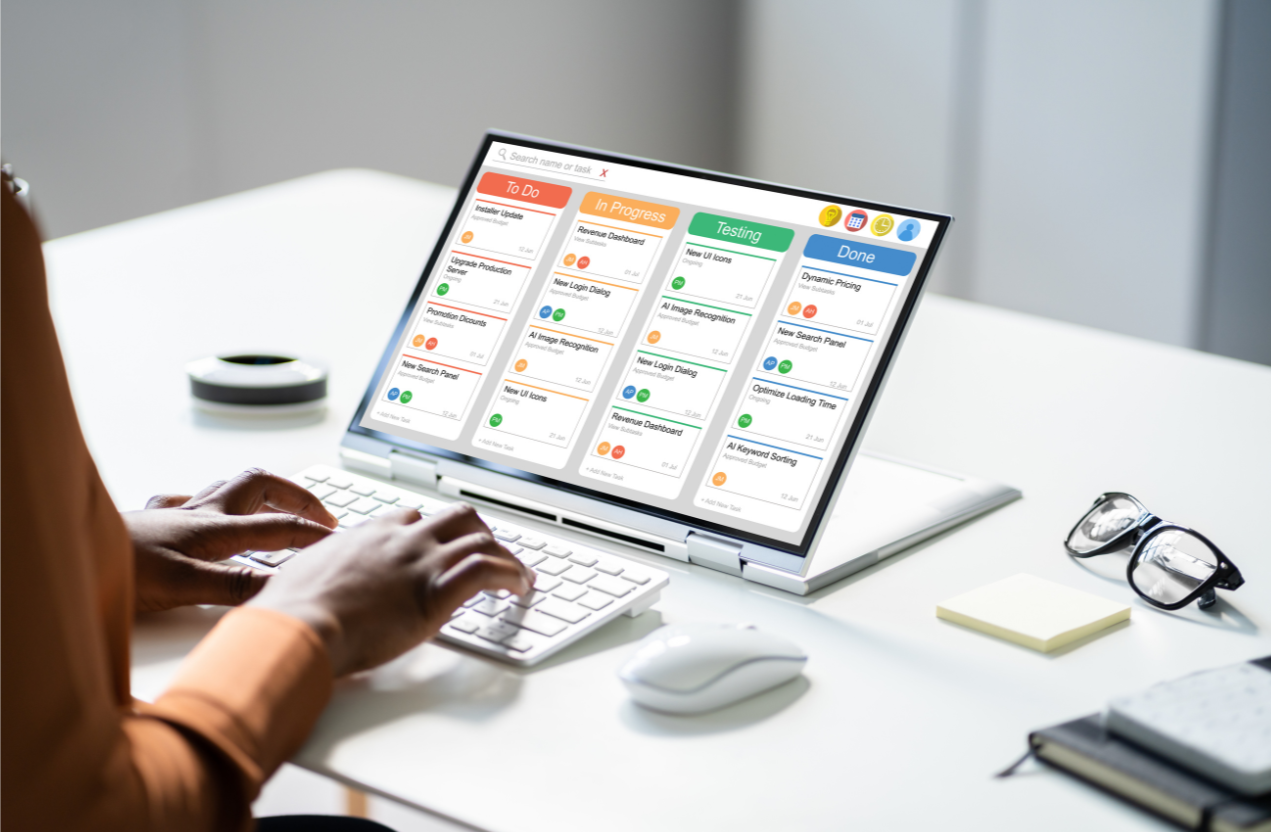
ClickUp for tracking revisions, project stages, and task updates in one place
Trello for simpler workflow organization and revision checklists
Asana for managing project timelines and team coordination
Slack to reduce scattered communication across emails and WhatsApp
Google Drive for organized drawing folders, PDFs, and revision tracking
Dropbox for managing updated drawing packages and client file sharing
SketchUp and SketchUp LayOutfor keeping models and drawing packages connected more clearly
Notion for keeping project notes, meeting updates, and workflow systems organized
Shared PDF markup tools like Bluebeam Revu for cleaner contractor comments and revision coordination
Usually, the biggest improvement comes when the studio chooses one clear system for revisions and communication instead of letting updates live across too many places at once.
Sometimes The Biggest Improvement Isn’t Speed
What usually helps isn’t working faster. It’s creating a workflow with less friction. When revisions are easier to track, documentation is more organized, and updates are kept in one clear place, projects start moving more smoothly as a whole. Designers spend less time reopening files, searching for changes, or double-checking versions throughout the day. And over time, the project stops feeling reactive and starts feeling much easier to manage.